G-W Ignite Instructor: How to View Correct Answers to Assignments

Last updated: Jun 24, 2026
1494
views

Steps to view the correct answers to assignments
-
After you have logged into G-W Ignite, find the assignment that you would like to assign and select “View”.

-
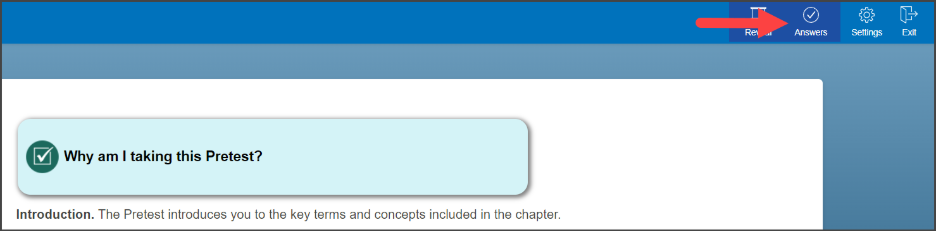
When the assignment loads, select “Answers” in the top right-hand corner.
-
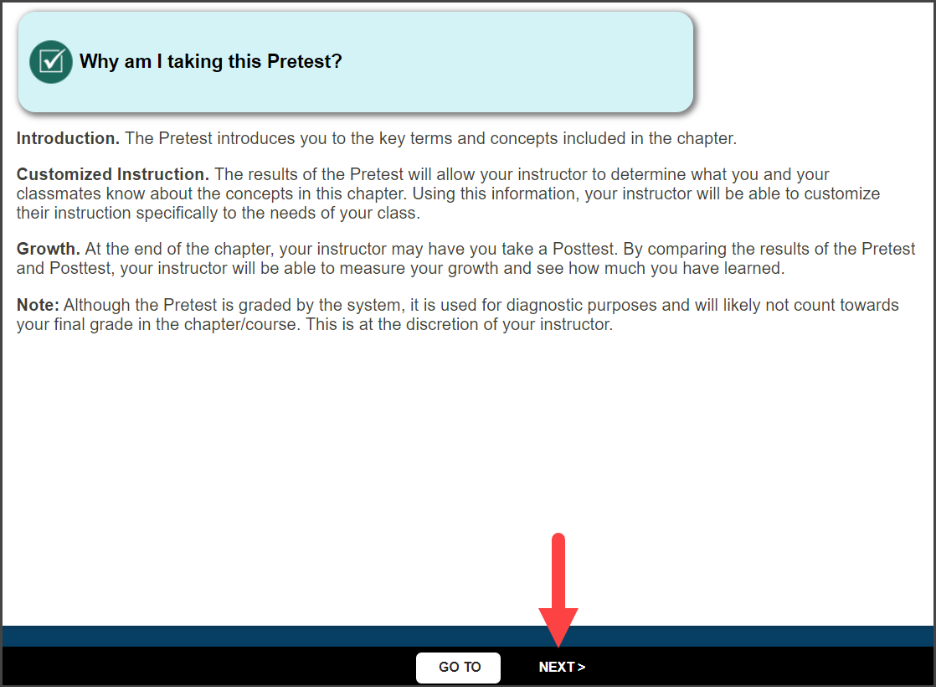
Select “Next” at the bottom of the page to view the questions along with the correct answer.
-
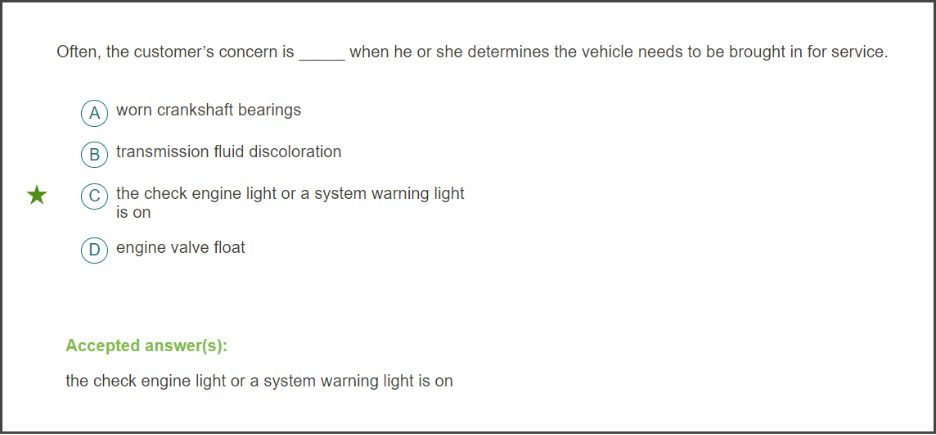
Each page will show a question and will identify the correct answer in green.