G-W Ignite Instructor: How to Setup Students to Self-Register

Last updated: Jun 24, 2026
3541
views

-
Once you have created your class, select “Roster”.

-
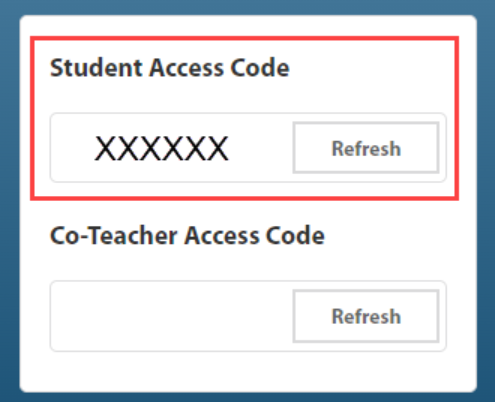
You will find the student access code on the far right. Send this code to students to self-register.