

Health c2028: Navigating the Online Textbook on G-W Online
Last updated: Oct 20, 2026
24
views

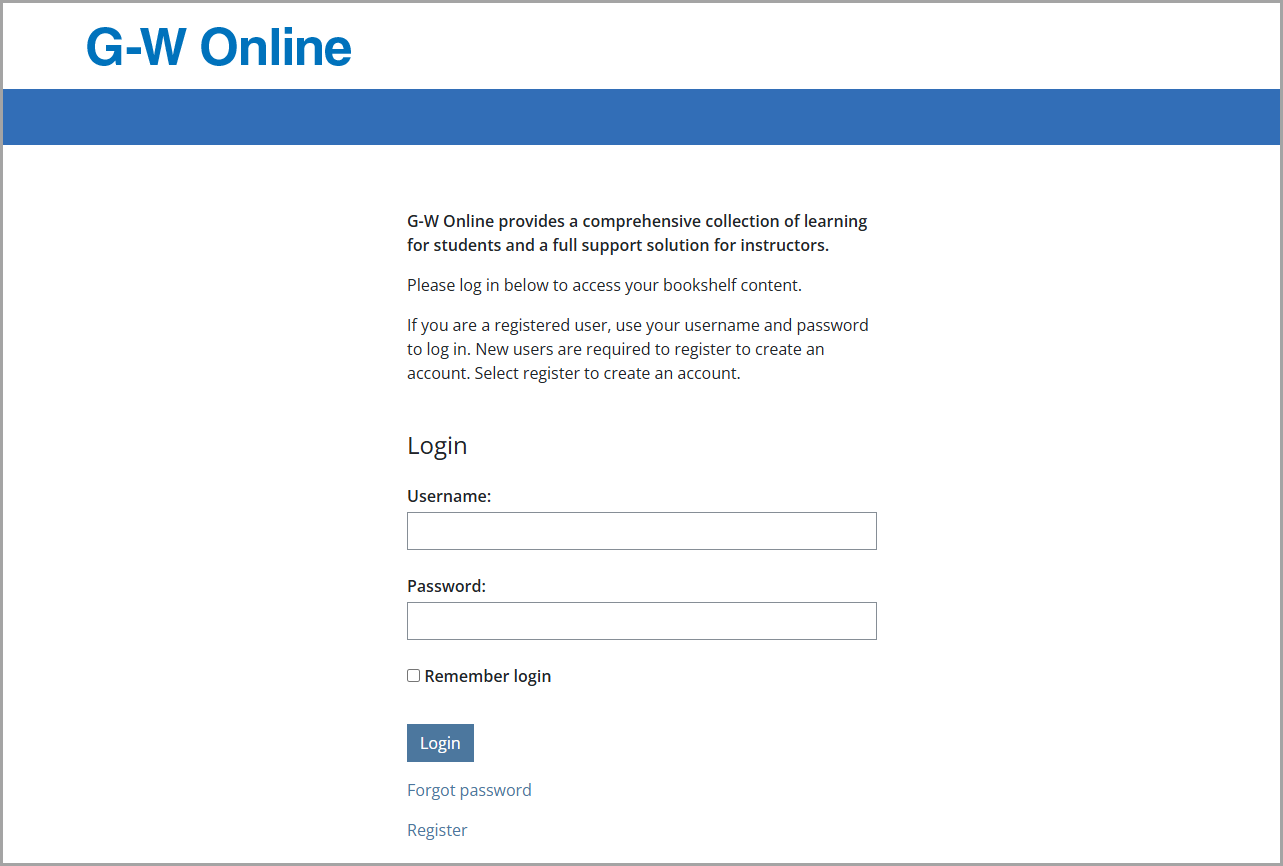
To access your Online Textbook on G-W Online Textbooks, first go to https://www.g-wonlinetextbooks.com/ and login to your account.
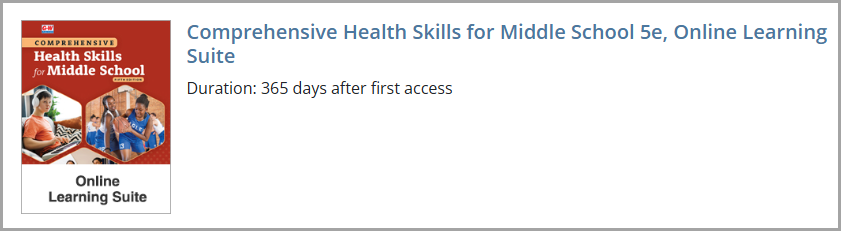
After logging in, navigate to the resources on the G-W Online Textbooks bookshelf.
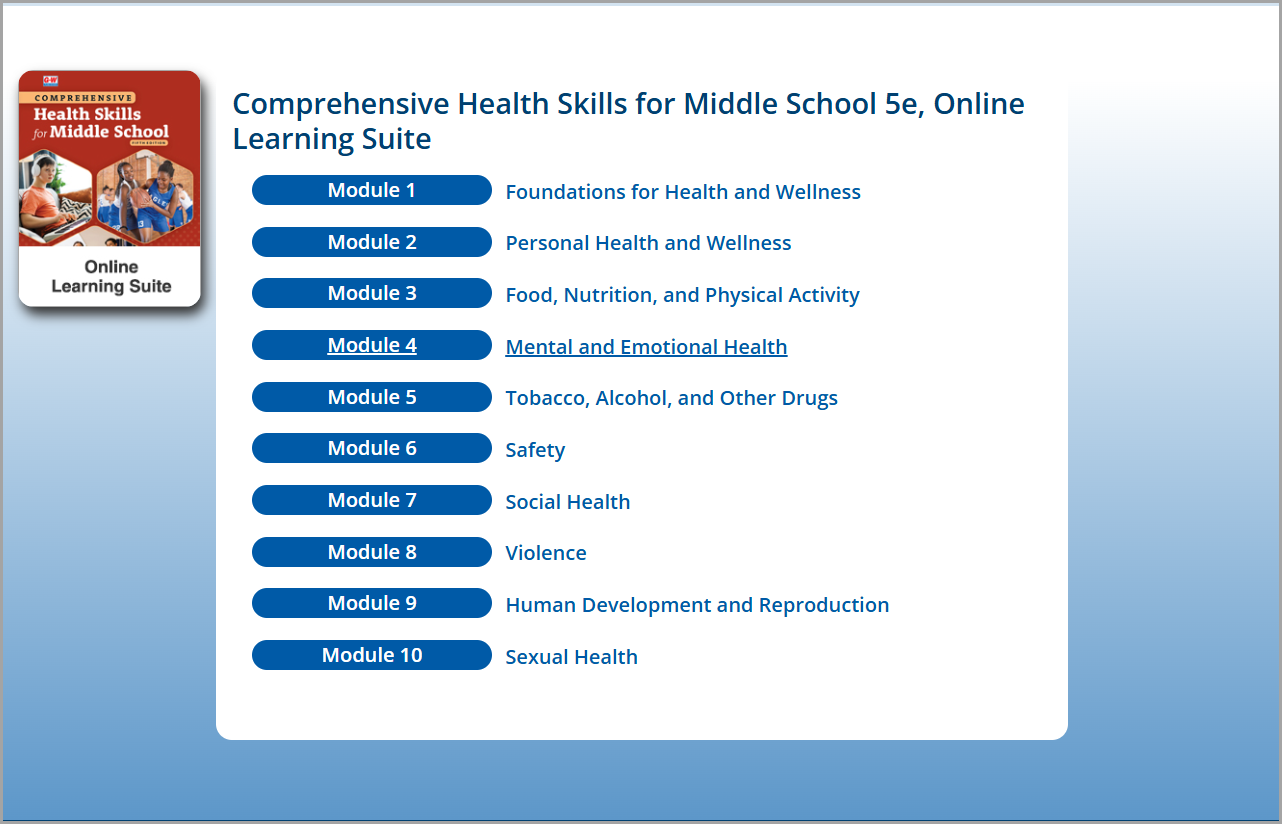
Select the module you would like to access.
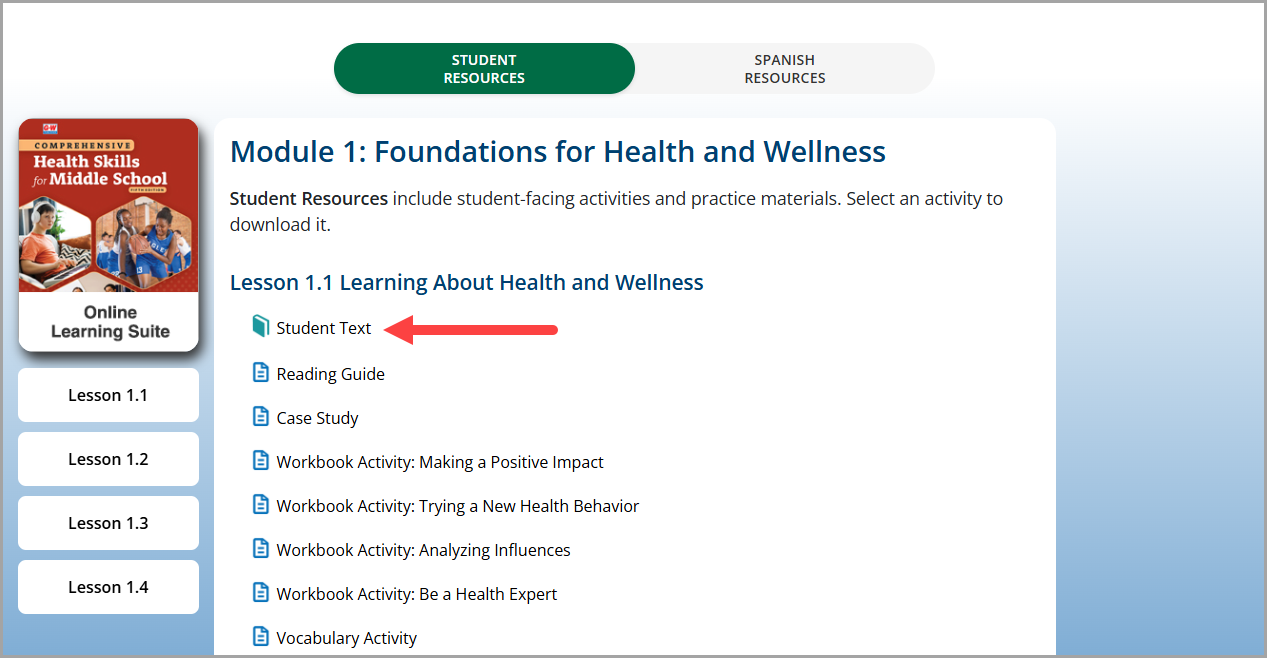
In the module, you will find the student eText under the Student Resources section.
You will then be taken to the lesson page applicable for your module. The eText includes the following features:
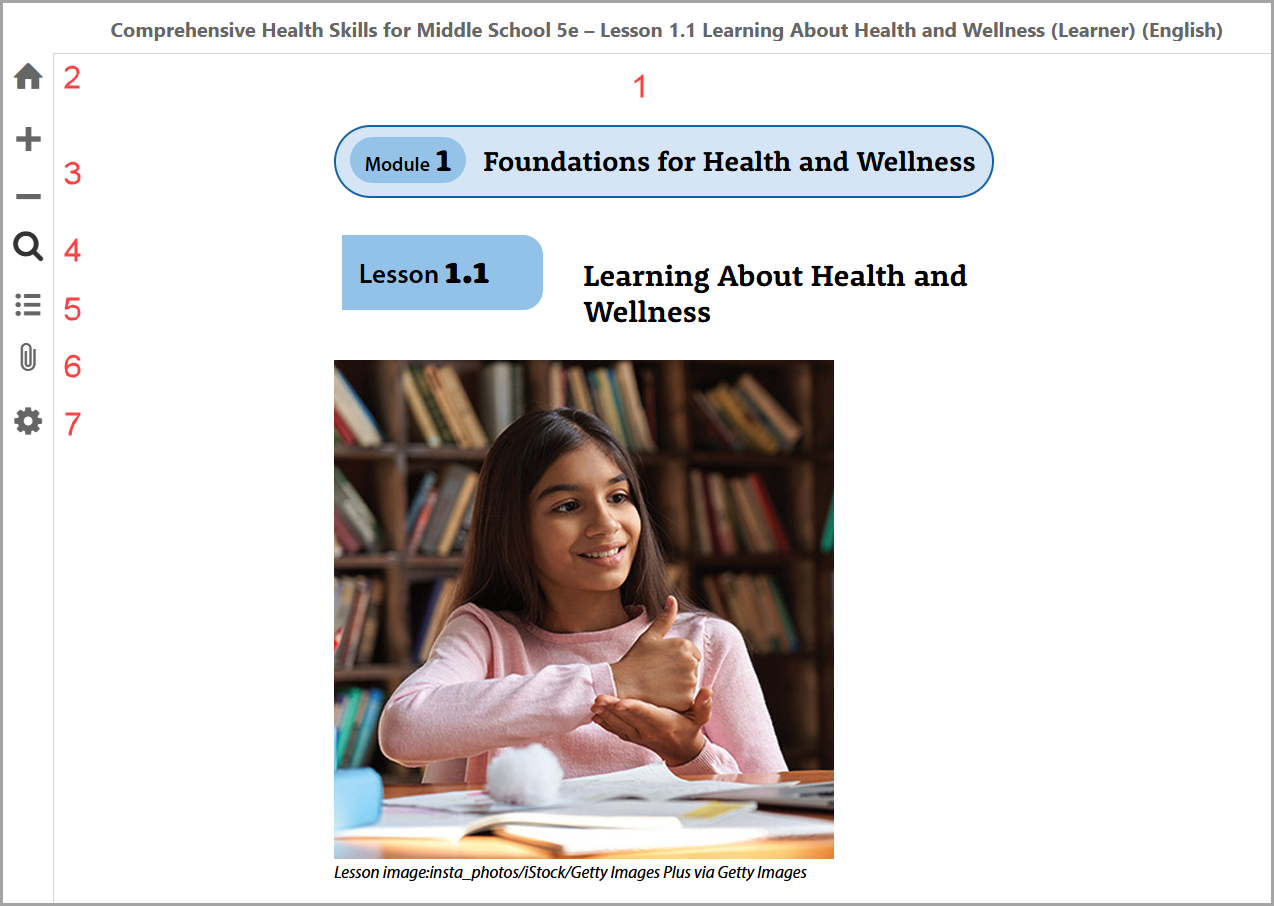
- Title: View the title of the Online Textbook and the specific bookshelf item currently being viewed.
- Home: Select the Home button to go back to the bookshelf.
- Zoom: Select the "+" sign to zoom in and the "-" sign to zoom out of the textbook.
- Search: Search for a specific page number or conduct a keyword search in the online textbook.
- Table of Contents: Quickly navigate to any unit, chapter, or lesson via the TOC.
- Attachments: View resources and downloads for the module.
- Preferences: Restore the default options for the eText.

