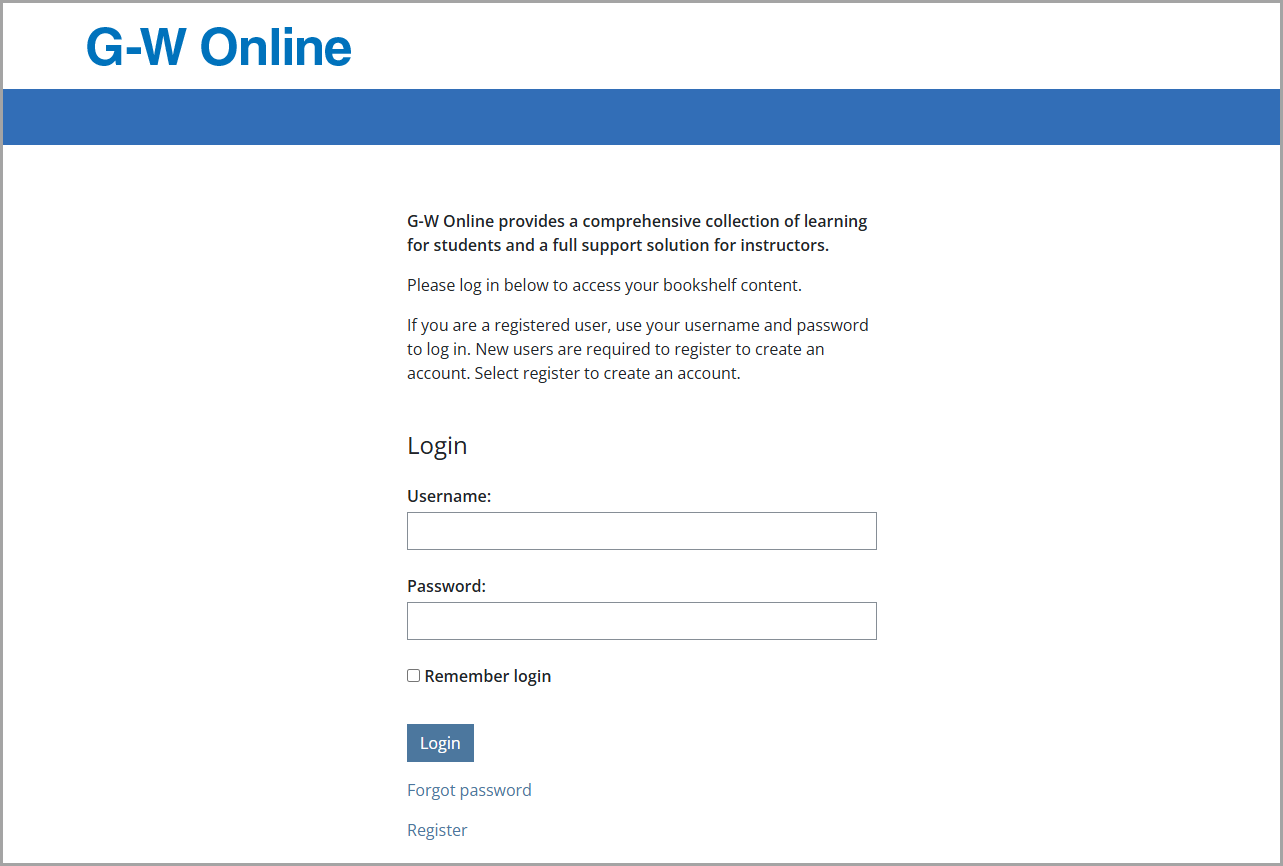
To access your Online Instructor Resources on G-W Online Textbooks, first go to https://www.g-wonlinetextbooks.com/ and login to your account.
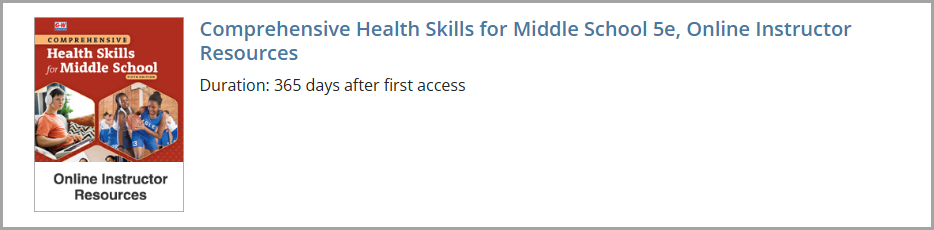
After logging into a G-W Online Textbooks account, select the Online Instructor Resources to access the materials:
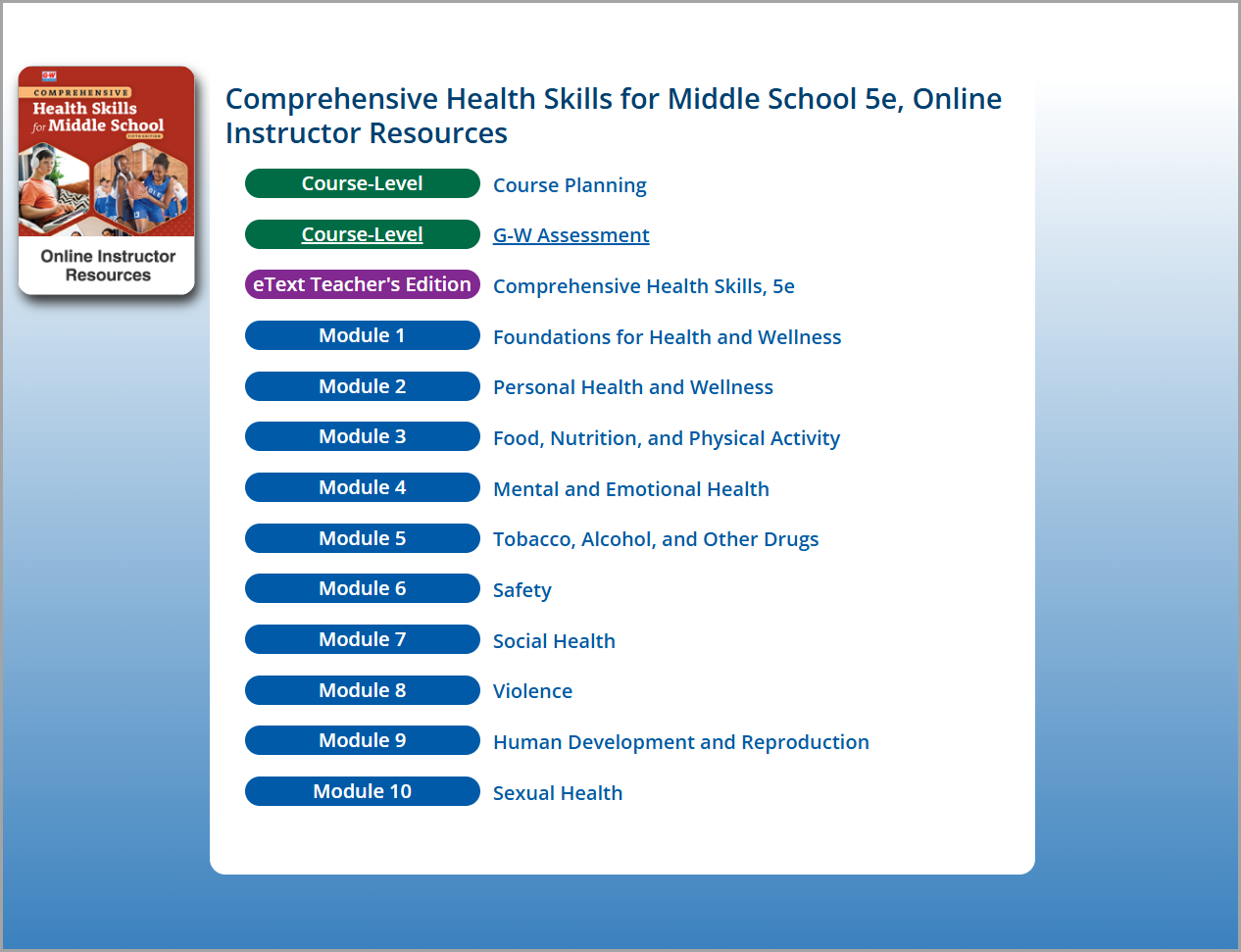
Here you will find the various materials and modules for the Online Instructor Resources including:
- Course Planning
- G-W Assessments
- eText Teacher Edition
- Modules
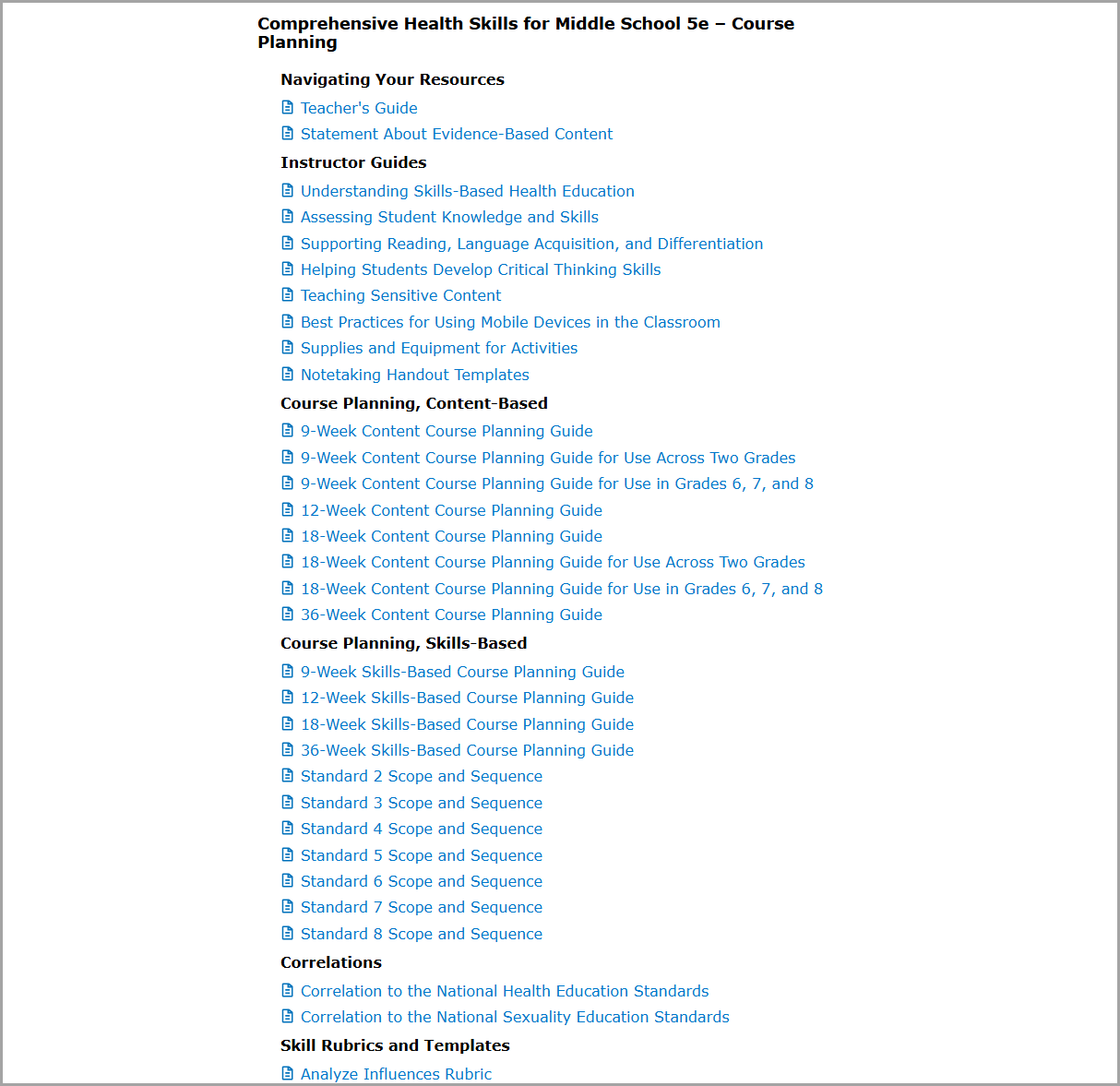
Course Planning
Course Planning provides access to guides based on the duration of your course. These are included for both content-based, and skill-based, formats. Correlations, Rubrics, Templates, and Alternative Activities are also included in this section.
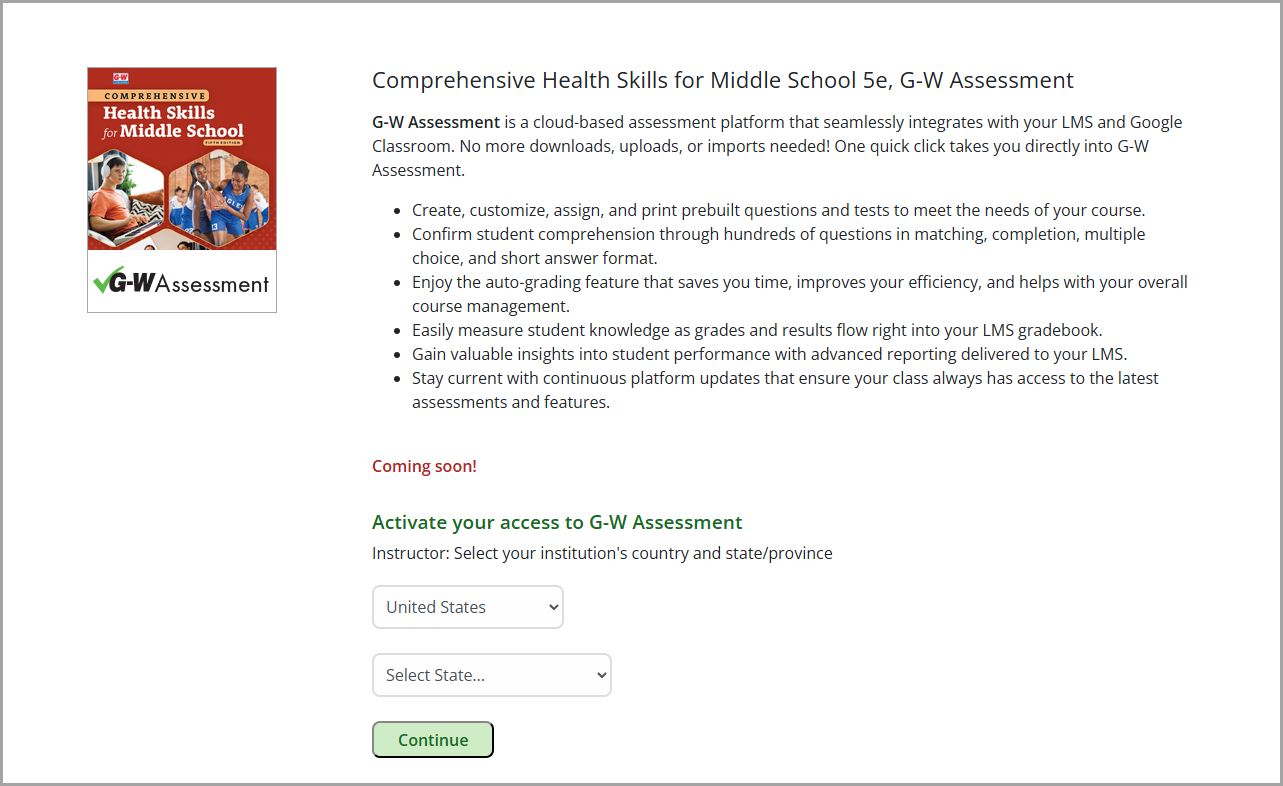
G-W Assessment
G-W Assessment is a club-based assessment platform that provides gradable tests with prebuilt questions to meet the needs of your course and confirm student comprehension.
eText Teacher Edition
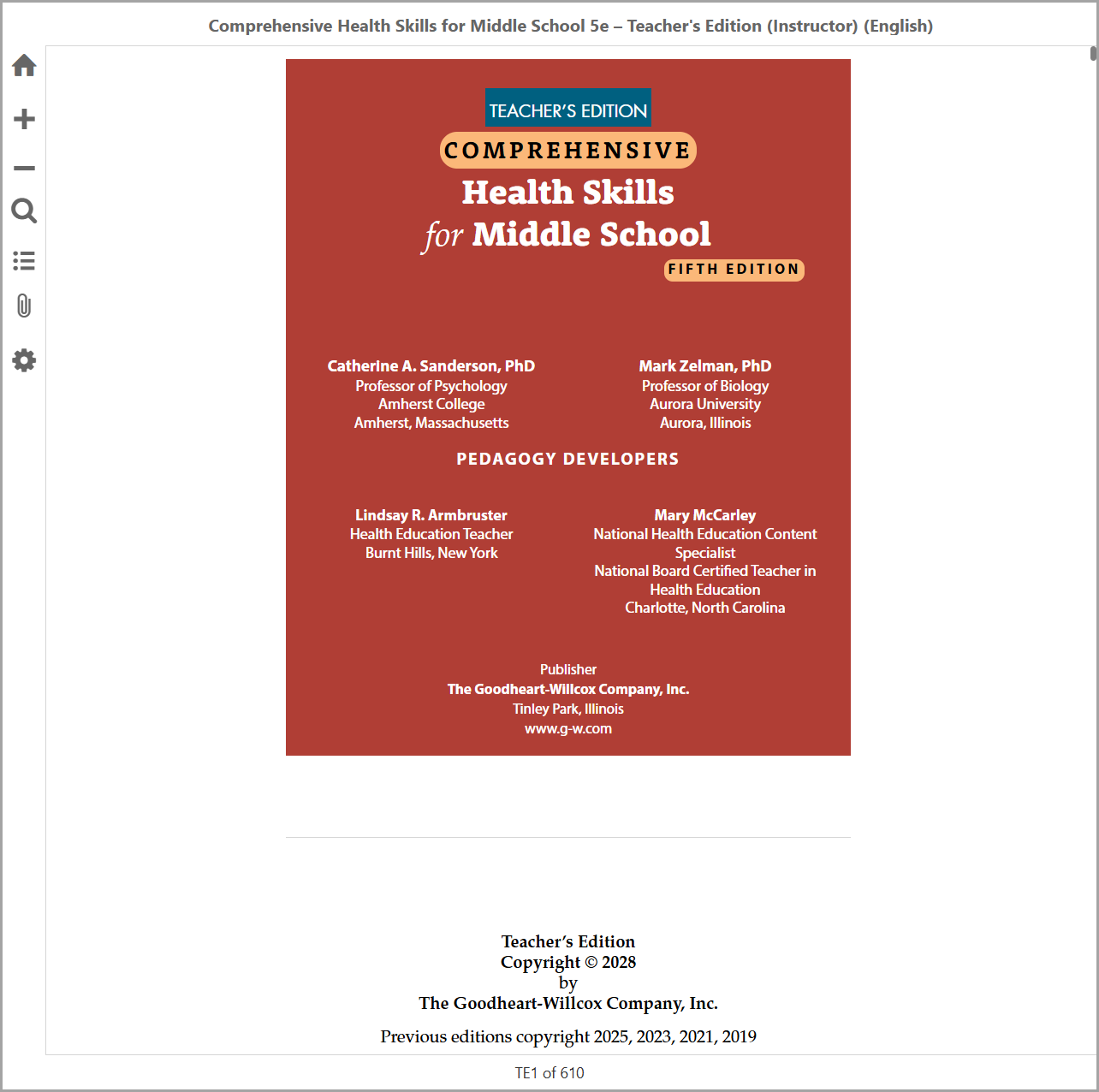
The eText provides the written materials for your course tailored for your needs as the course instructor.
Modules:
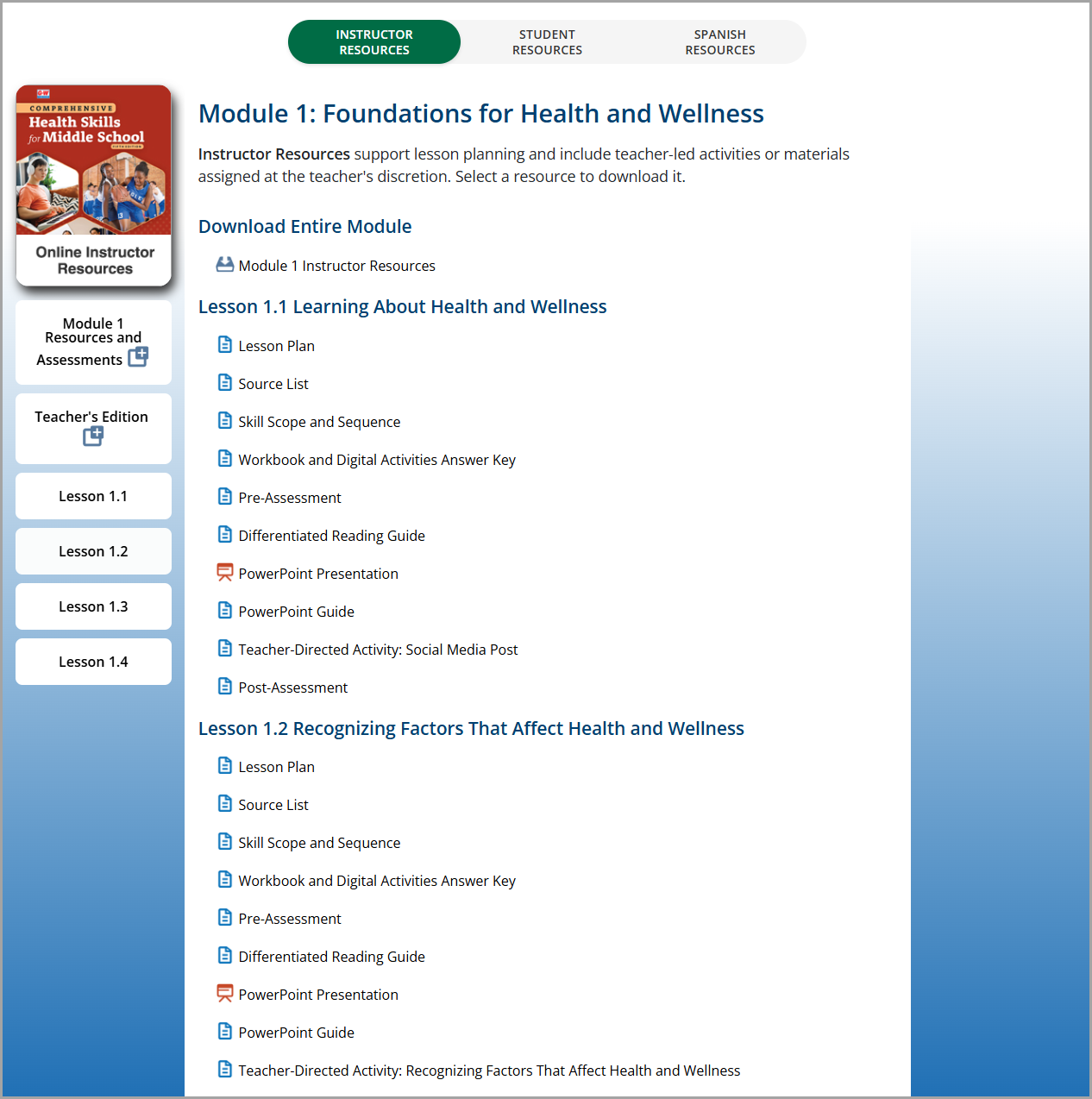
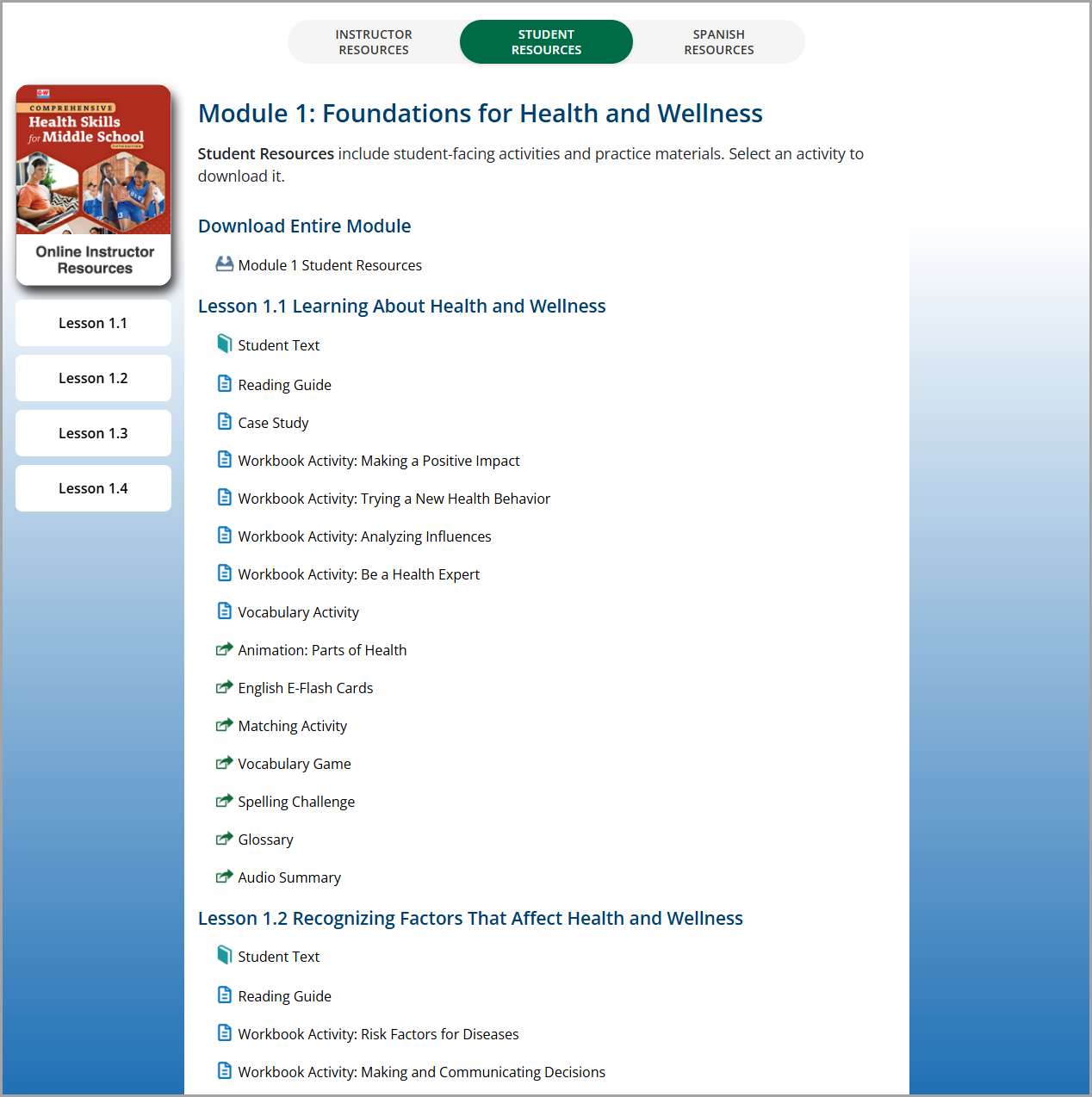
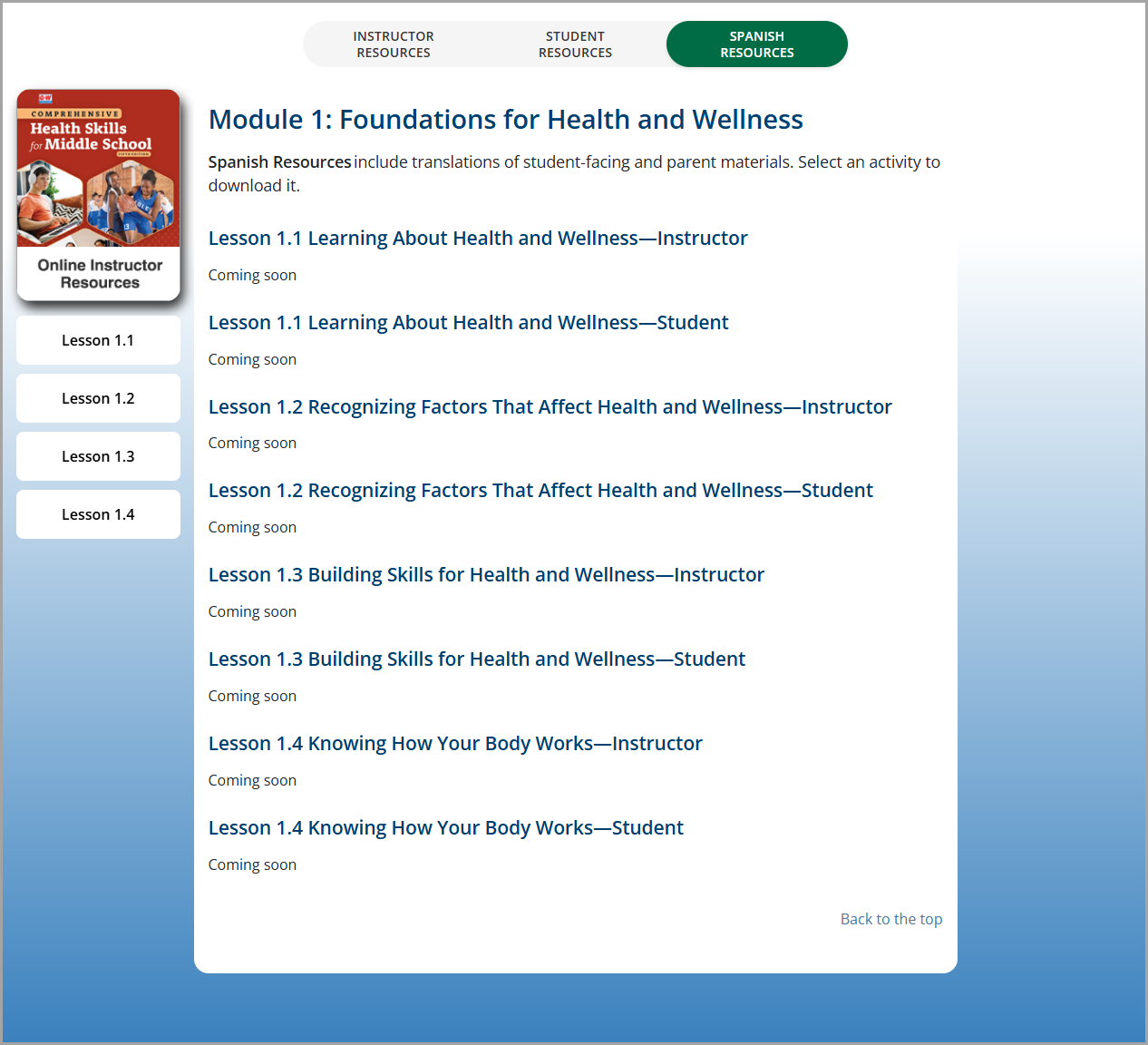
Each module provides separate sections with applicable Instructor Resources, Student Resources, and Spanish Resources. These resources include:
- Lesson Plans
- PowerPoint Presentations
- Student eText
- Reading Guides
- Workbook Activities
- Ungraded Self Assessment Activities
- ...and much more!