Moodle: How to add G-W's External Learning Tool

Last updated: Aug 03, 2026
490
views

LTI Tool Configuration
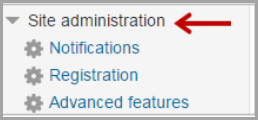
- Select "Site Administration"
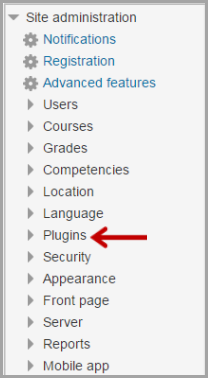
- Select "Plugins"
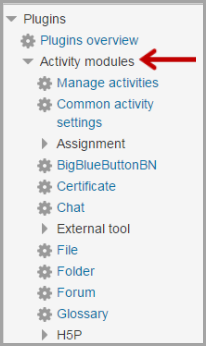
- Select "Activity Module"
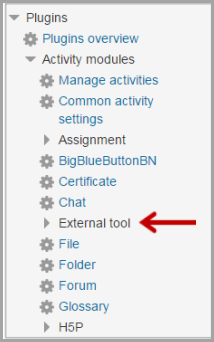
- Select "External Tool or LTI" (depends on versions)
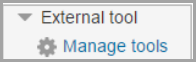
- Select "Manage Tools"
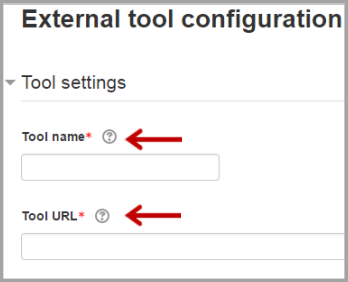
- Type in the tool name. (Suggested: G-W or Goodheart-Willcox) Then copy the Launch URL from the G-W provided integration PDF and paste it in the Tool URL field
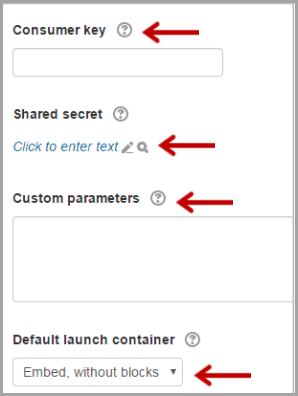
- Copy the Consumer key, Shared secret, and Custom parameters from the G-W provided integration PDF and paste into the corresponding fields. Leave Default launch container to Embed, without blocks.
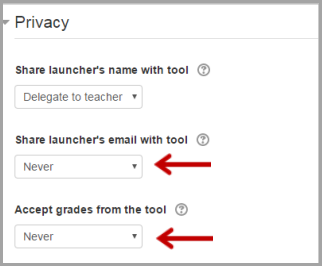
- Make sure to change Share launcher’s email with tool to Never and Accept grades from the tool to Never.
- Select "Save Changes".