G-W Assessment OIR: Account Settings

Last updated: Oct 09, 2026
592
views

The account setting page allows you to update your name or add a profile picture.
-
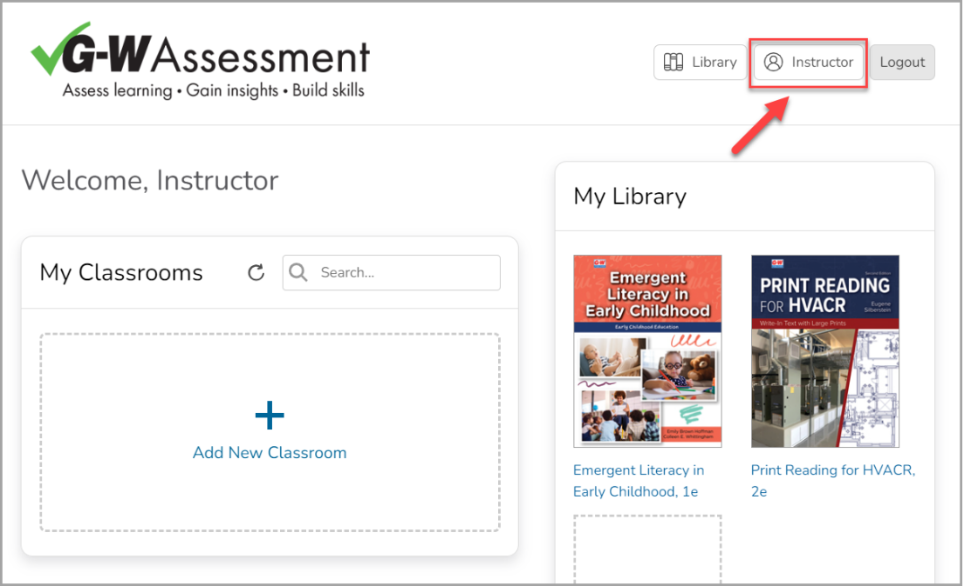
Access the account settings by selecting on the button with your name in the top right corner of the page.
-
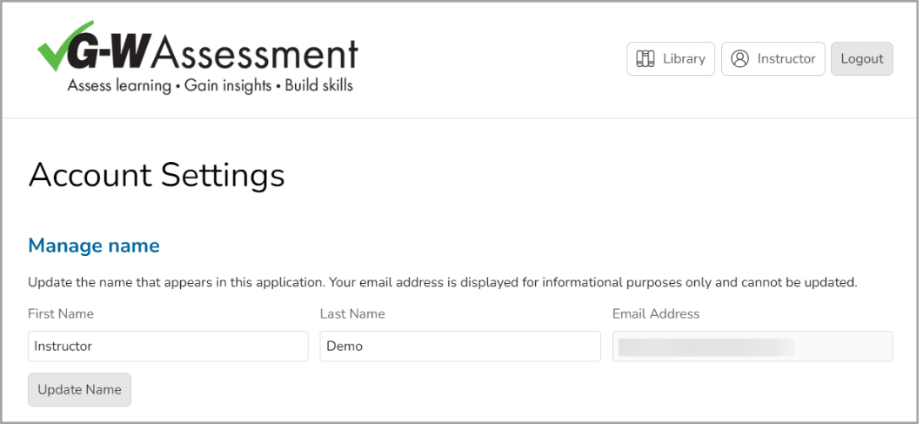
Under the Manage Name section, you can update your first name, last name, and email address by selecting into each field. Select "Update Name" to save changes.
-
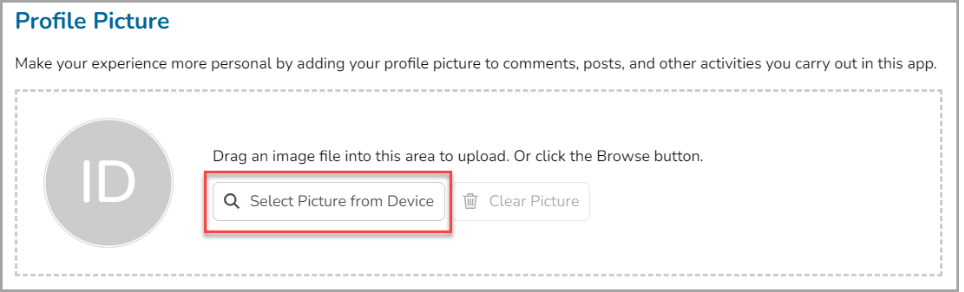
In the Profile Picture section, you can add or update your profile if you wish to personalize your G-W Assessment experience. Either drag and drop your image into the designated area or use the "Select Picture from Device" to choose a file.
-
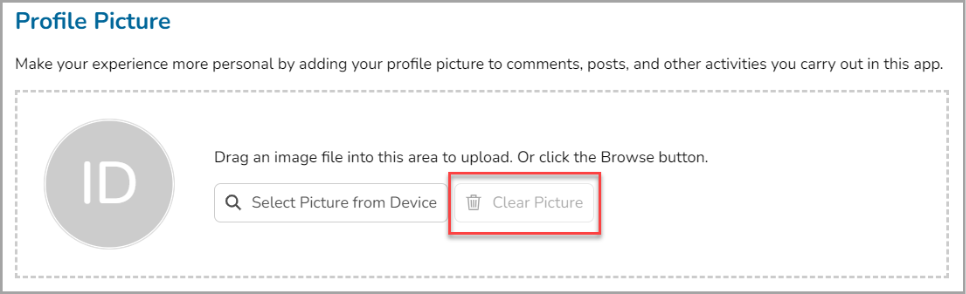
To remove your current picture, select "Clear Picture".