G-W Ignite SSO Canvas: How to Take an Assignment

Last updated: Jun 24, 2026
1628
views

Steps to Take Assignments using G-W Ignite SSO in Canvas
-
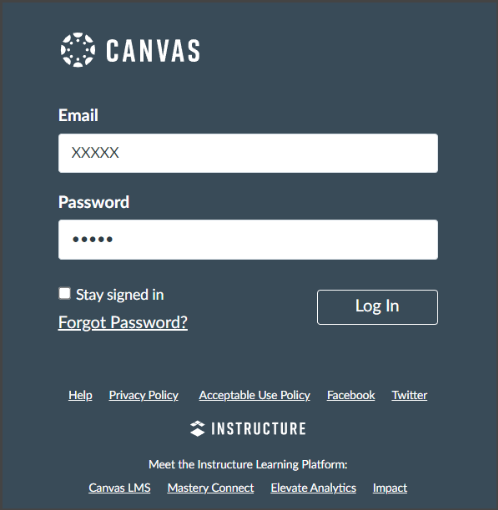
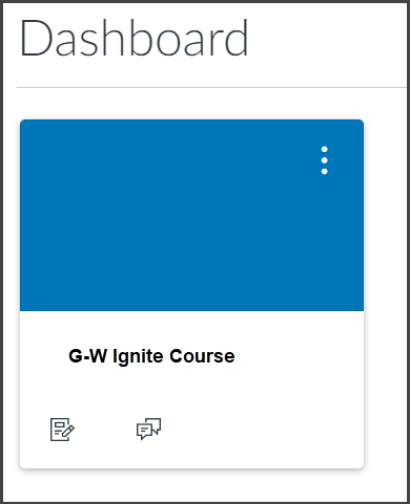
Log into Canvas using your Canvas Username and Password and Select your G-W Ignite course on your Dashboard.
-
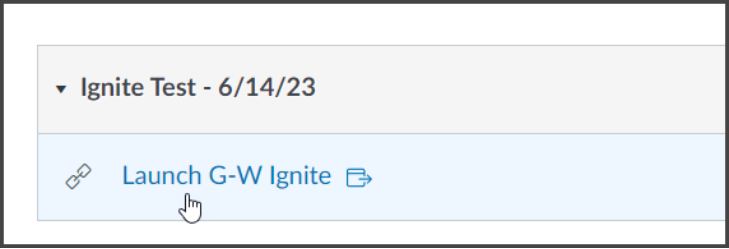
Select “Launch G-W Ignite”.
-
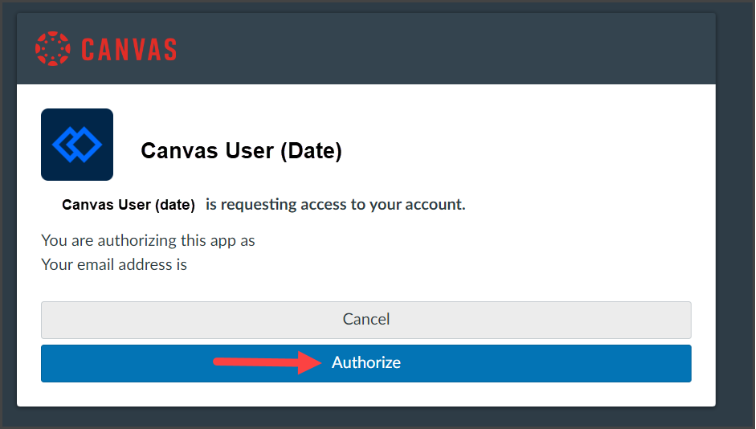
Select “Authorize”.
-
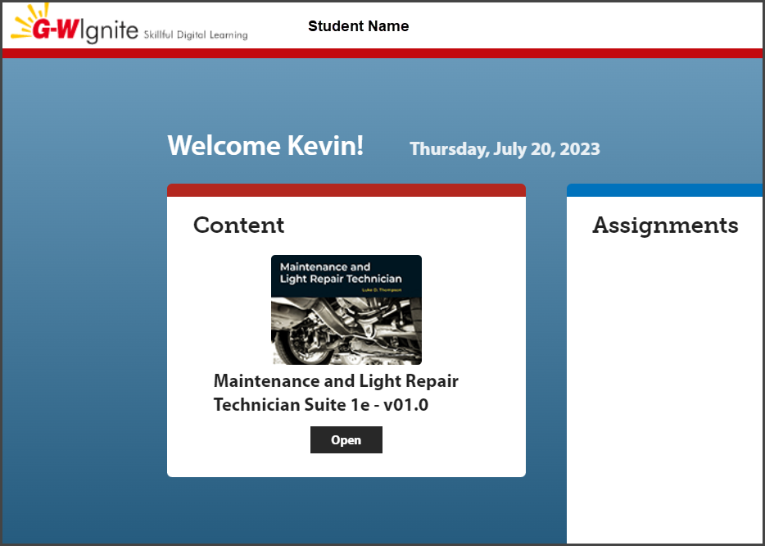
Your G-W Ignite Homepage will open in a new tab
-
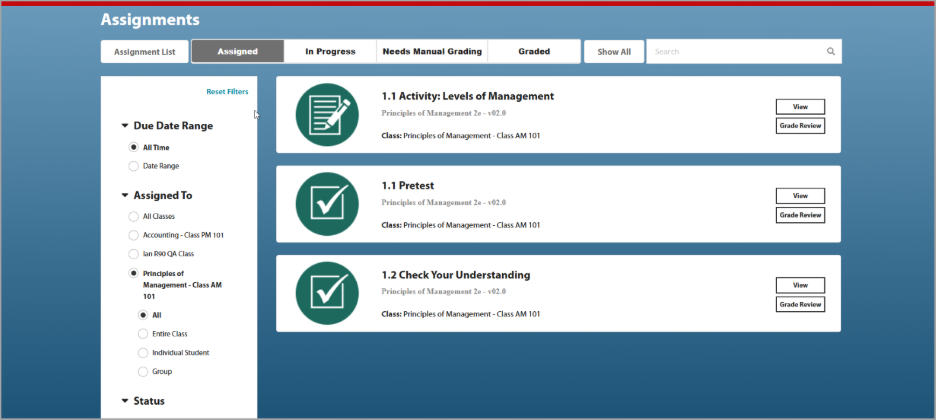
Select “Assignments” to view all assignments. They will be separated by Assigned, In Progress, Needs Manual Grading and Graded
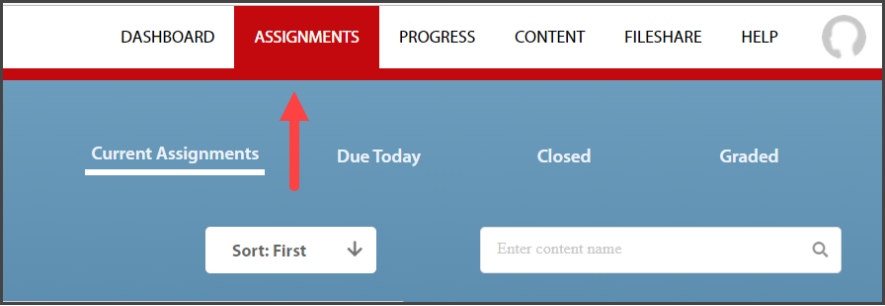
You can also view Assignments by selecting Assignments on the Navigation Bar at the top of your Dashboard
-
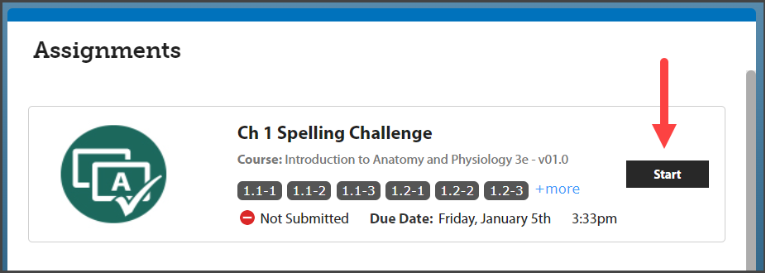
To begin an assignment, select “Start”.