


MotoVisuals, created by Advance Auto Parts are videos/simulations that instructors may use to engage learners while teaching service and repair units from their automotive texts.
How to Access the MotoVisuals Library in the G-W Ignite MLRT Course
-
Log Into G-W Ignite -- https://ignite.g-w.com/
-
Go to the Maintenance and Light Repair class and select "Content".

-
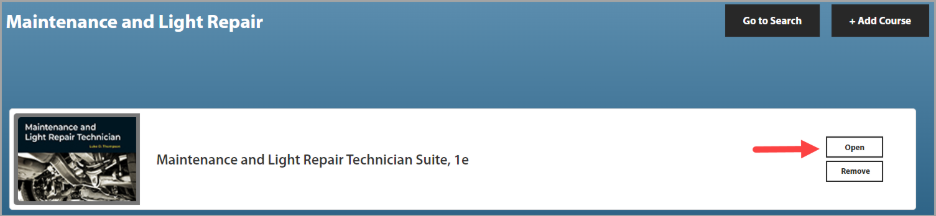
Next to the Maintenance and Light Repair Technician Suite course, select "Open".
-
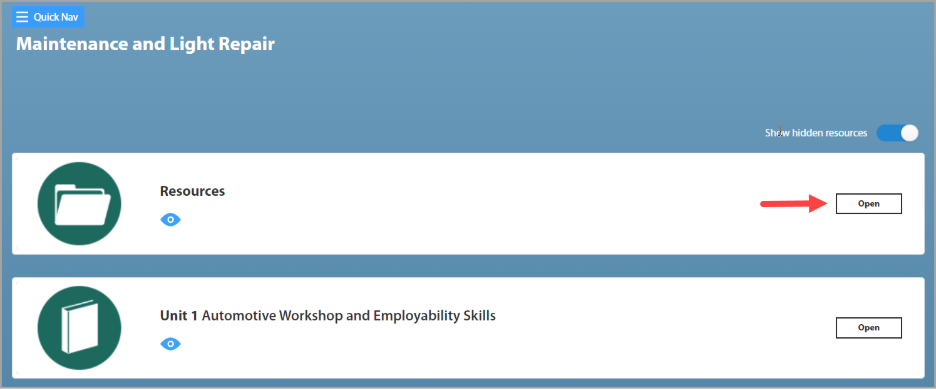
Next to the Resources module, select "Open".
-
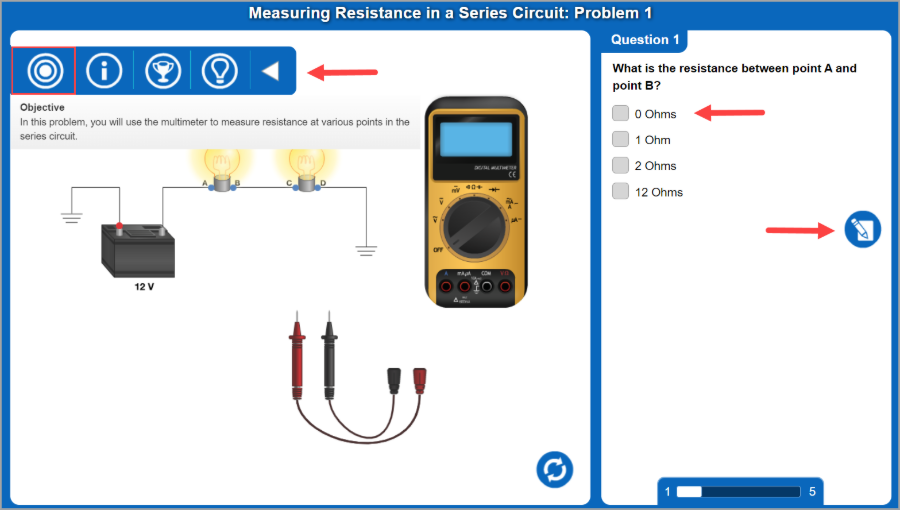
Next to the DVOM Simulations give students valuable experience performing voltage, amperage, and resistance measurements with a simulated multimeter.
How to Access DVOM Simulations in the G-W Ignite MLRT Course
- Log Into G-W Ignite -- https://ignite.g-w.com/
- Go to the Maintenance and Light Repair class and select "Content".

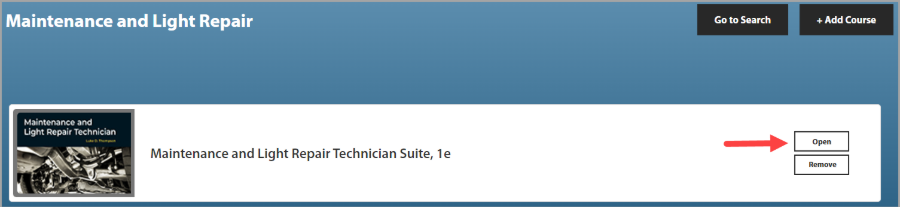
- Next to the Maintenance and Light Repair Technician Suite course, select "Open".
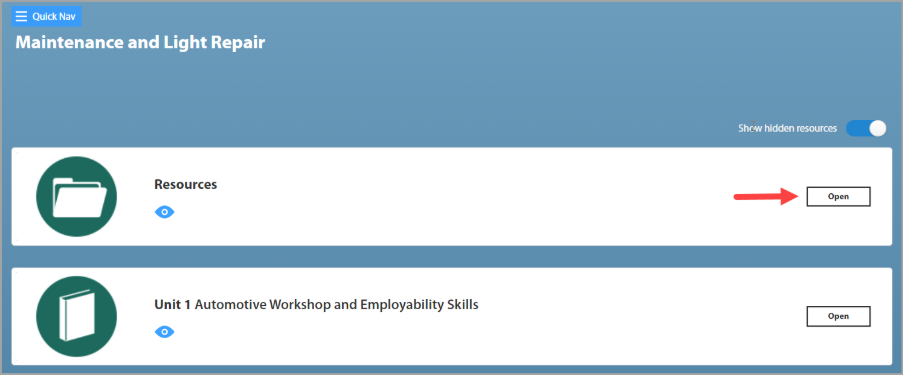
- Next to the Resources module, select "Open".
- Next to the DVOM Simulations resource, select "Open".
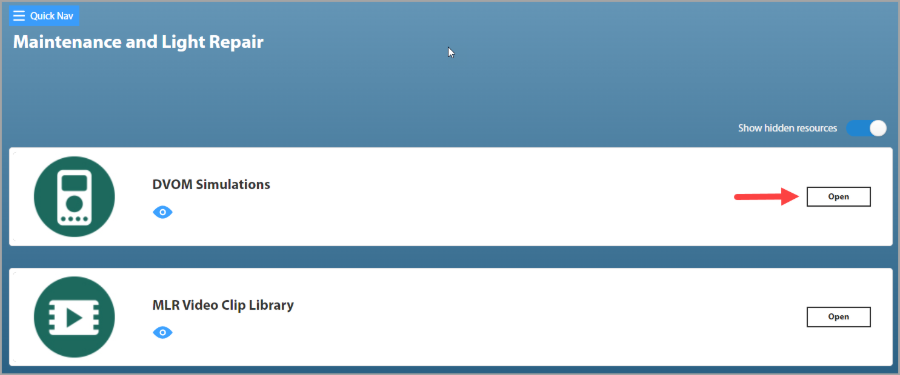
- Select a specific DVOM resource by selecting "View".
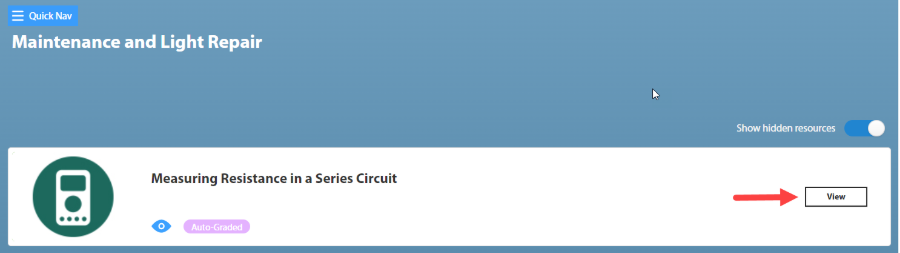
- A new window will open for a user to "click to view link".
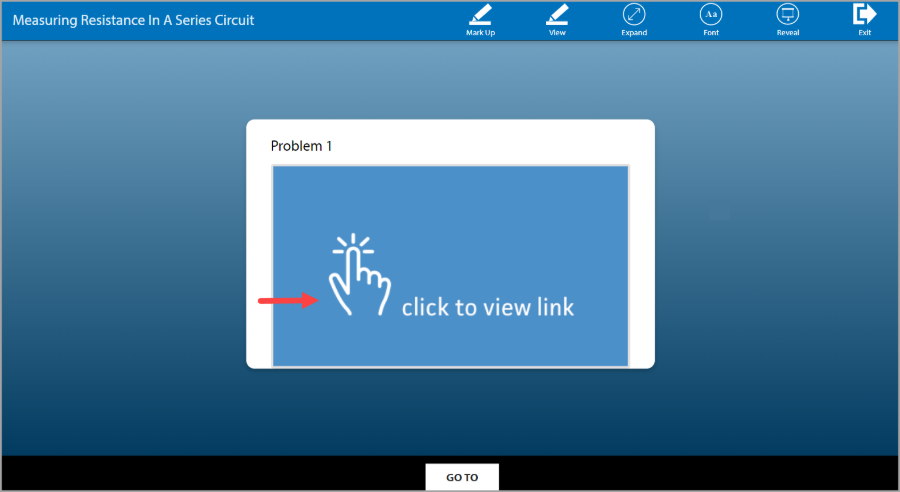
- After reading the problem details, select the arrow to the right.
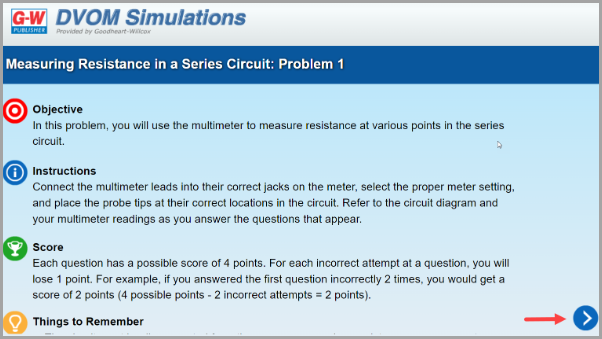
- The next window will show the interactive simulation, the question students will answer, a Submit button, and a menu with the simulation Objective, Instructions, Score, and Things to Remember.
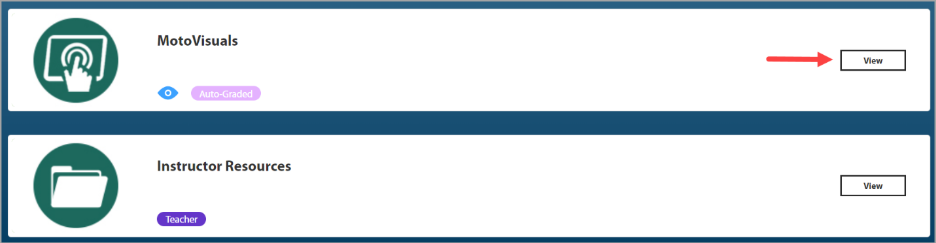
- Select a specific Motovisuals resource by selecting "View".
-
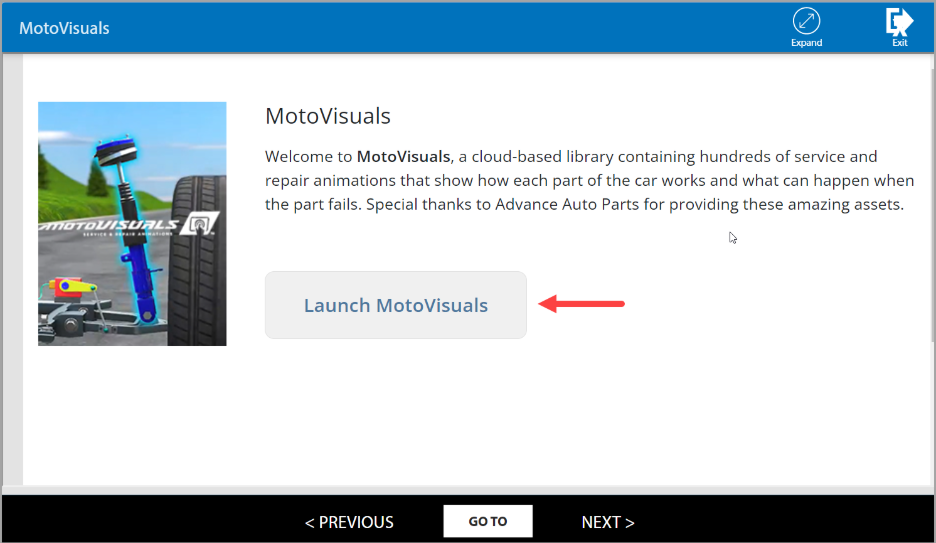
On the next screen select the "Launch MotoVisuals" button.
-
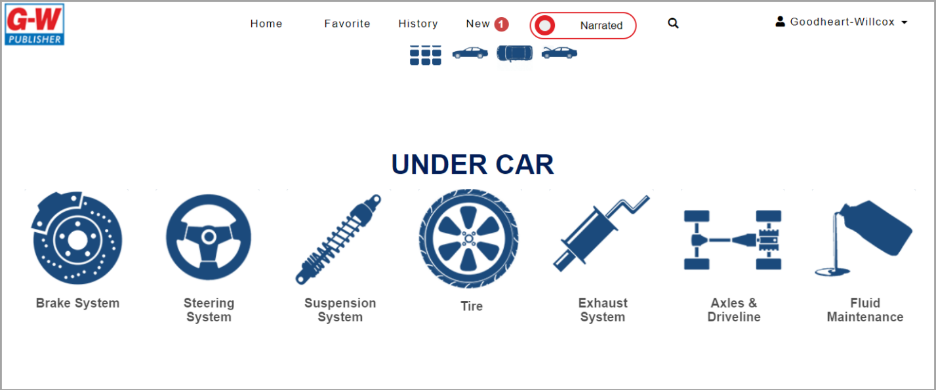
The MotoVisuals interface will open in a new tab.
-
When an instructor is ready to go back to G-W Ignite, the instructor may select the previous tab or close out of the G-W MotoVisuals tab.


