G-W Ignite Instructor: Creating Groups

Last updated: Oct 09, 2026
1563
views

Groups lets you create groups of students for collaborative assignments or projects. Students can belong to multiple groups.
- Once you login to G-W Ignite, and have your Class created, you will see various Topics in the Class area
- Select "Groups".

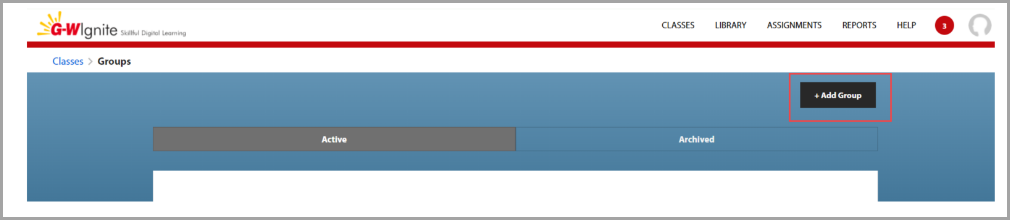
- To create a group, select "+ Add Group". Enter a name, a description, and a list of students to add. Then save your group.
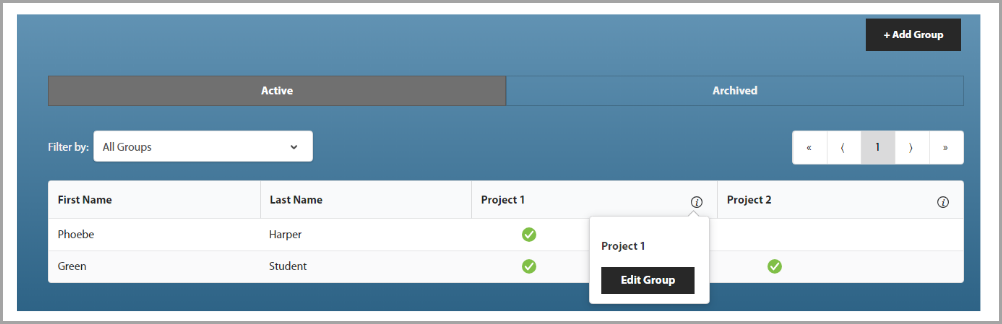
- To edit your group, click the information (i) icon and select "Edit Group". Here, you can modify your group details or archive it if no longer needed.