

Blackboard Learn: How to Activate an Instructor and Student Subscription with an Access Key Code

Last updated: Jul 27, 2026
4704
views

Instructors and Students must select the "Activate Your Subscription" link within the course and enter the access key code provided by G-W in order to access the textbook content through Blackboard Learn.
- From the course Home page, you will see a folder entitled Resources. Select the Resources folder to view the links inside.

- Select the "Activate Your Subscription" link.

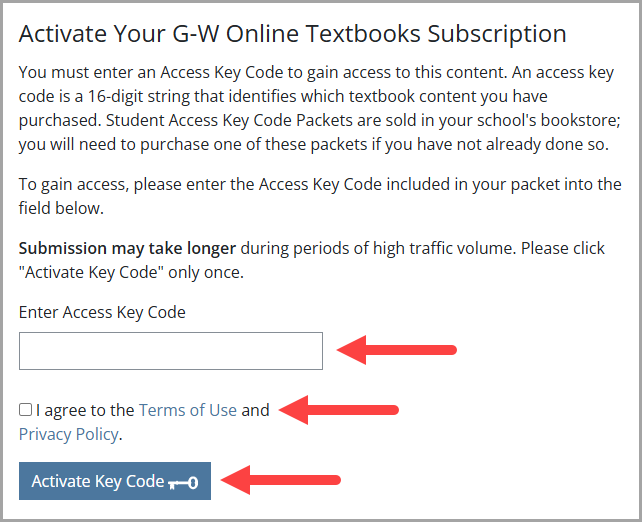
- On the next screen, you will be prompted to type in your access key code. Enter the Access Key Code, select the checkbox to agree to the Terms and Privacy Policy and select "Activate Key Code".
- Receive confirmation of successful activation.


